

Documentation Index
Fetch the complete documentation index at: https://autorender.mintlify.app/llms.txt
Use this file to discover all available pages before exploring further.
Overview
The AutoRender API uses token-based authentication. You can generate an API token from your AutoRender workspace settings. Once you have your token, include it in theAuthorization header of your API requests as follows:
Obtaining an API Key
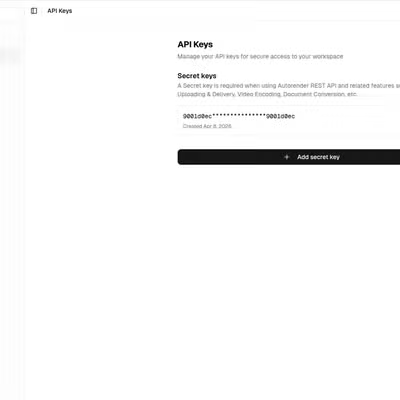
To get your API key, follow these simple steps within the AutoRender dashboard:- Login to the AutoRender App.
- Navigate to Settings in the bottom-left sidebar.
- Click on the API Key tab.
- Click the Create button to generate your new secret token.
Revoke an API Token
Revoking an API Token
To permanently delete an API key that is no longer needed, follow these steps:- Login to the AutoRender App.
- Navigate to Settings in the bottom-left sidebar.
- Click on the API Key tab.
- Find the key in the list and click Delete.
The API token is stored securely as a SHA-256 hash in the database. The plain text token is never stored and cannot be retrieved after creation.