

Documentation Index
Fetch the complete documentation index at: https://autorender.mintlify.app/llms.txt
Use this file to discover all available pages before exploring further.
Overview
AutoRender Recipes (preset tokens) allow you to store and reuse common transformation combinations using simplet_ tokens. Instead of writing long transformation strings repeatedly, you can use a short recipe name that automatically expands to the full transformation.
How Recipes Work
When you use at_{name} parameter, AutoRender automatically expands it to its predefined transformation string before processing.
Basic Usage
Compare a simple recipe against its full transformation equivalent:- Using Recipe
- Full Transformation
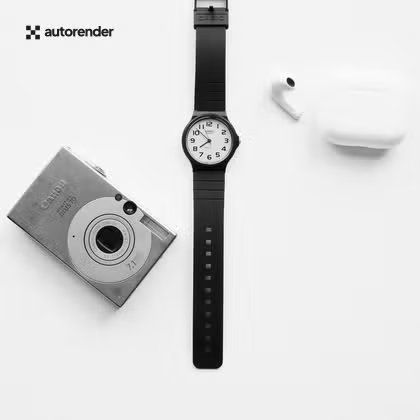
c_crop,w_420,h_420,p_c,ps_center,l_image:logo.svg,l_type:overlay,lw_100,lh_200,ip_nw,o_100,fl_layer_apply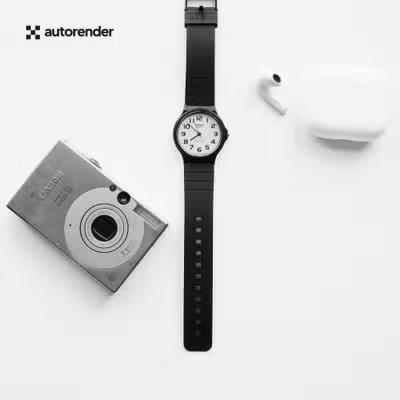
Implementation Workflow
- Token Detection: AutoRender identifies the
t_prefix. - Expansion: Replaces the token with the stored transformation string.
- Combination: Applies any additional parameters (e.g.,
q_90,f_webp). - Delivery: Delivers the processed asset instantly.
E-commerce Use Cases
Standardize your product catalog with professional presets.| Recipe Name | Target Output | Key Transformations |
|---|---|---|
t_product-card | Grid Display | w_400,h_400,c_fill,e_auto_enhance |
t_product-detail | High Res Preview | w_1200,h_1200,c_fit,e_structure:30 |
t_hero-banner | Desktop Hero | w_1920,h_1080,c_fill,e_saturation:25 |
t_social-share | Open Graph (1.91:1) | w_1200,h_630,c_fill,e_auto_enhance |
Example: Product Detail Page
Use different recipes for main images vs. thumbnails to ensure consistent quality and performance.Best Practices
- Descriptive Naming: Use names like
t_mobile-optimizedort_grayscale-vibe. - Chaining: Recipes can be combined with other parameters:
t_thumbnail,e_blur:20. - Consistency: Use recipes globally across your application to make design updates as simple as updating a single recipe definition.
- Support: Custom recipes are managed via your workspace settings. Contact AutoRender support to create or modify your presets.