

e_brightness token to the transform segment of any delivery URL:
How does it work?
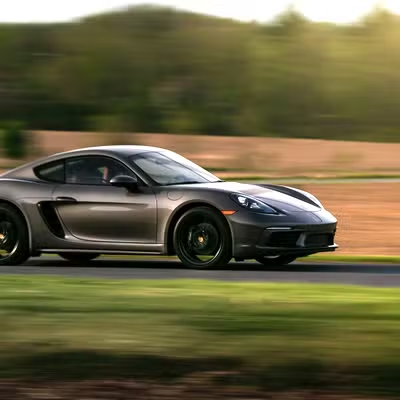
e_brightness:{level} shifts every pixel toward white or black. The level runs from −100 to 100 — negative values darken, positive values brighten, and 0 leaves the image unchanged.
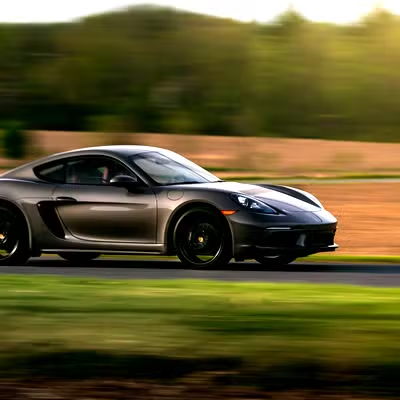
Compare levels:
- Original
- Bright (+20)
- Dark (-30)


When to use it
- Correct exposure on images that render too dark or too bright.
- Brighten faces in backlit portraits.
- Keep product shots evenly lit and legible.
- Push toward a bright or moody atmosphere for creative work.
How do you combine it with other effects?
Chain brightness with other effects in one comma-separated segment. We recommend levels between 10 and 30 paired with a matching contrast bump, because a small brightness lift alone can look flat (e.g.e_brightness:15,e_contrast:20).
Next steps
Contrast
Widen or narrow the gap between light and dark areas with
e_contrast.Exposure
Apply a camera-style exposure shift with
e_exposure.Saturation
Adjust color intensity with
e_saturation.All effects
Browse every effect token and how they combine.