

e_exposure token to the transform segment of any delivery URL:
How does it work?
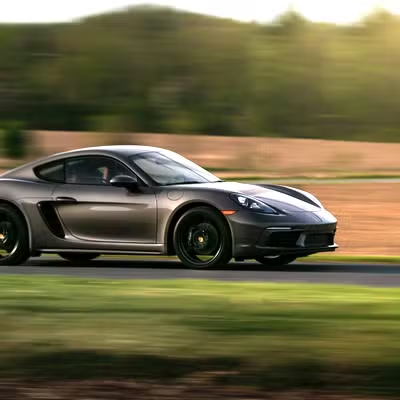
e_exposure:{level} takes a level from −100 to 100. Negative values underexpose (darker), positive values overexpose (brighter), and 0 leaves the image unchanged.
Exposure and brightness both change how light the image looks. Exposure mimics a camera’s exposure setting across the tonal range, so it tends to hold detail in highlights and shadows better than a flat brightness shift.
When to use it
- Correct images that are under- or overexposed.
- Reproduce a camera exposure adjustment in post.
- Brighten faces in backlit portraits.
- Recover detail in landscape shots.
How do you combine it with other effects?
Chain exposure with highlights and shadows for finer control over specific tonal ranges. We recommend levels between 15 and 30, because larger shifts clip the brightest and darkest areas (e.g.e_exposure:20).
Next steps
Brightness
Lighten or darken the whole frame with
e_brightness.Contrast
Widen or narrow the gap between light and dark areas with
e_contrast.All effects
Browse every effect token and how they combine.
Image transformations
See every transform parameter for images and video.