

e_ and goes in the transform segment of a delivery URL, and you can chain several in one comma-separated segment.
Effects apply to images. All effect tokens use the
e_ prefix, for example e_brightness:20 or e_grayscale.- Correct exposure, contrast, and color on uploaded photos.
- Match a house look across a catalog without re-editing source files.
- Apply artistic filters such as grayscale, fade, or vignette.
- Sharpen images after resizing so detail lands at delivery size.
Tonal adjustments
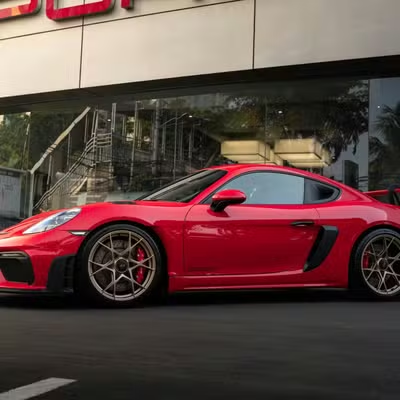
Control the balance of light and dark.- Original
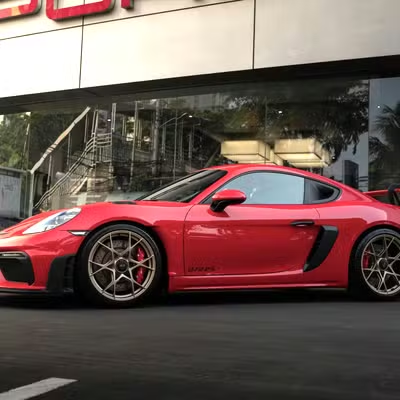
- Brightness (+20)
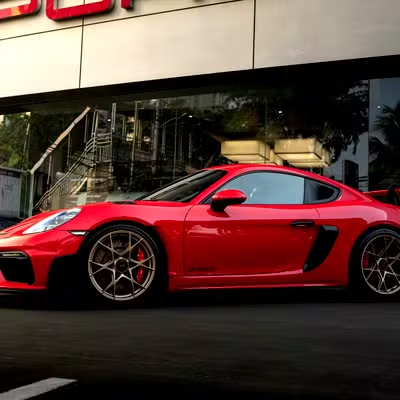
- Contrast (+30)
- Shadows (+40)
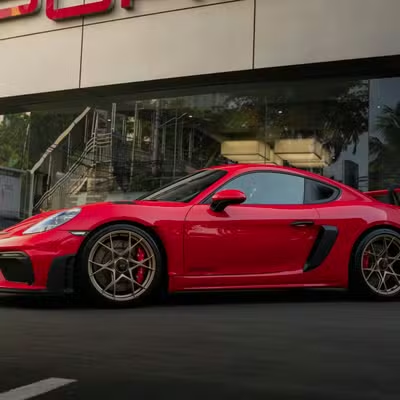
Color enhancements
Adjust vibrancy, temperature, and tint.- Original
- Vibrant (+40)
- Warmth (+30)
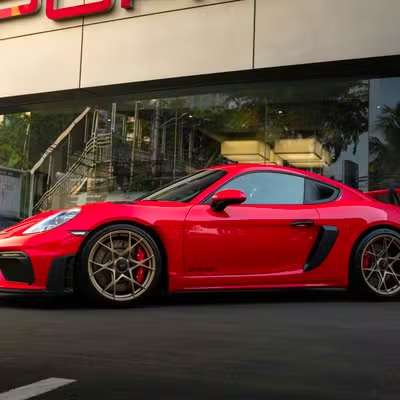
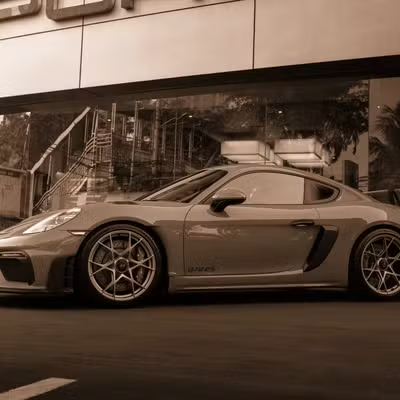
Sharpening and clarity
Enhance texture and define edges.- Original
- Structure (+50)
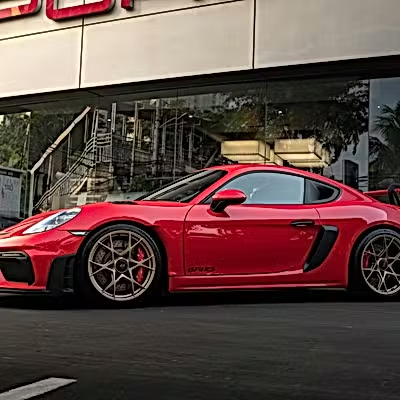
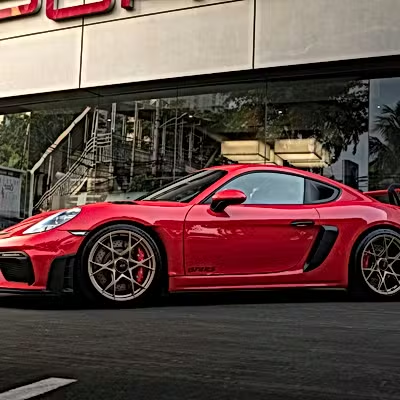
Artistic filters
Apply a creative or stylized look.- Grayscale
- Vintage (Fade)
- Vignette
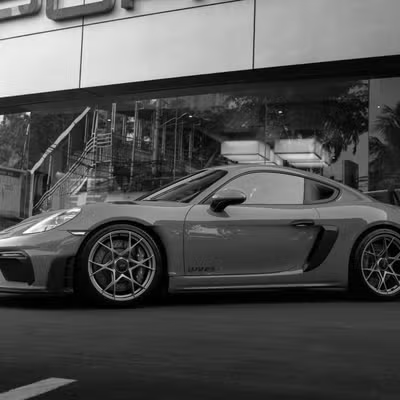
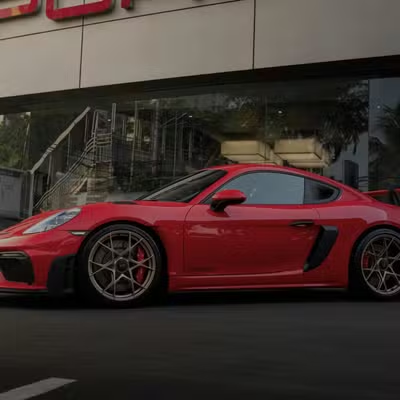
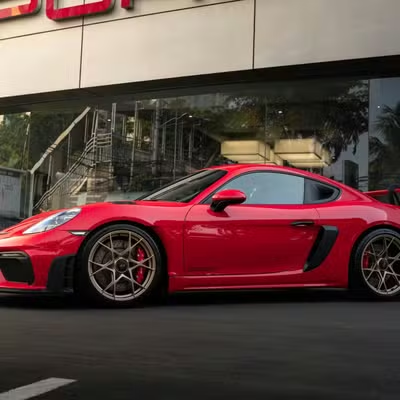
Auto enhancements
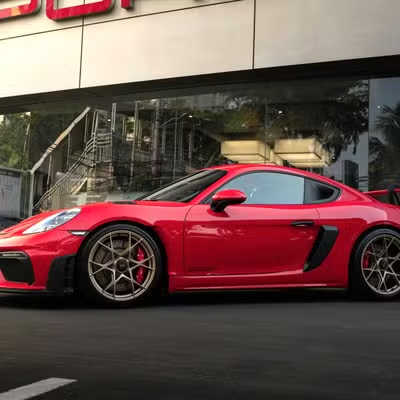
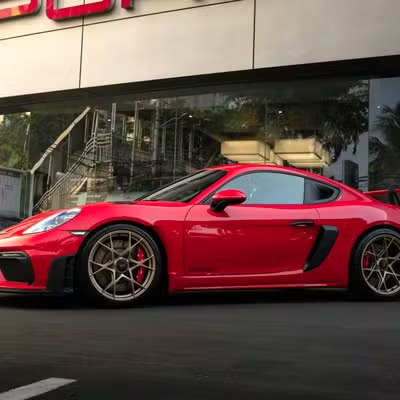
Let Autorender adjust the image for you.- Auto enhance (
e_auto_enhance) — normalization plus a mild brightness and saturation boost. Runs the same algorithm every time. - Normalize (
e_normalize) — stretches the dynamic range for stronger contrast. - Improve (
e_improve:indoor/e_improve:outdoor) — scene-specific modulation. A mode is required;e_improvewith no mode does nothing.
- Auto Enhance
- Improve (outdoor)
- Improve (indoor)
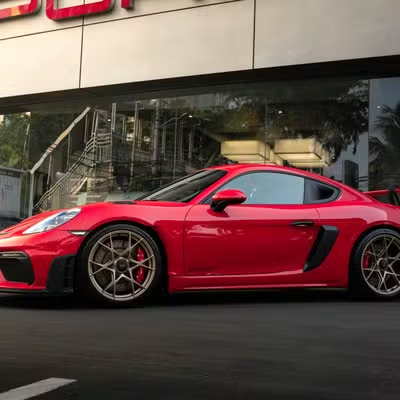
How does chaining work?
Combine effects in one comma-separated segment, for examplee_brightness:10,e_saturation:20,e_sharpen.
Autorender applies them in a fixed pipeline — enhancements, then tonal, color, sharpen, and output — regardless of the order you write them, so the result is consistent. See automatic ordering for the full sequence. Chaining runs in a single pass, so it does not slow delivery.
Next steps
Brightness
Lighten or darken the whole frame with
e_brightness.Contrast
Widen or narrow the gap between light and dark areas with
e_contrast.Saturation
Increase or decrease color intensity with
e_saturation.Sharpen
Define edges and detail with
e_sharpen.Exposure
Apply a camera-style exposure shift with
e_exposure.Grayscale
Convert to black and white with
e_grayscale.